This introduction page to the Student Paper Types, Elements, and Format module orients users to the goals of the module and reminds them how to best use their APA Style manual in conjunction with the student workbook.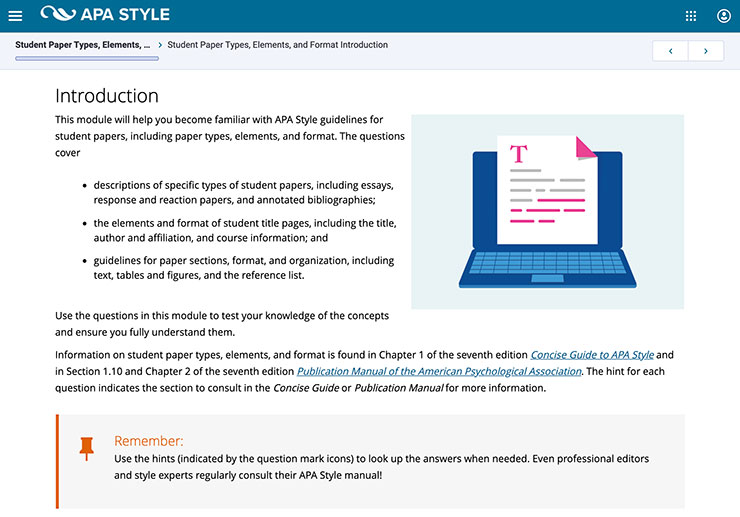
Mastering APA Style Student Workbook large images
In this multiple-choice grid question, users sort the five APA Style heading levels into two categories according to whether the text after the heading starts on a new line or the same line as the heading.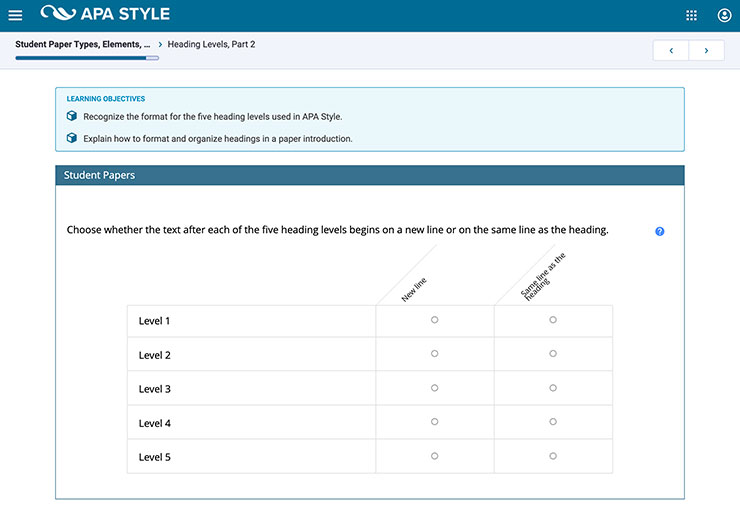
In this drag-and-drop table question, users drag the four reference elements of author, date, title, and source to example parts of a real journal article reference list entry.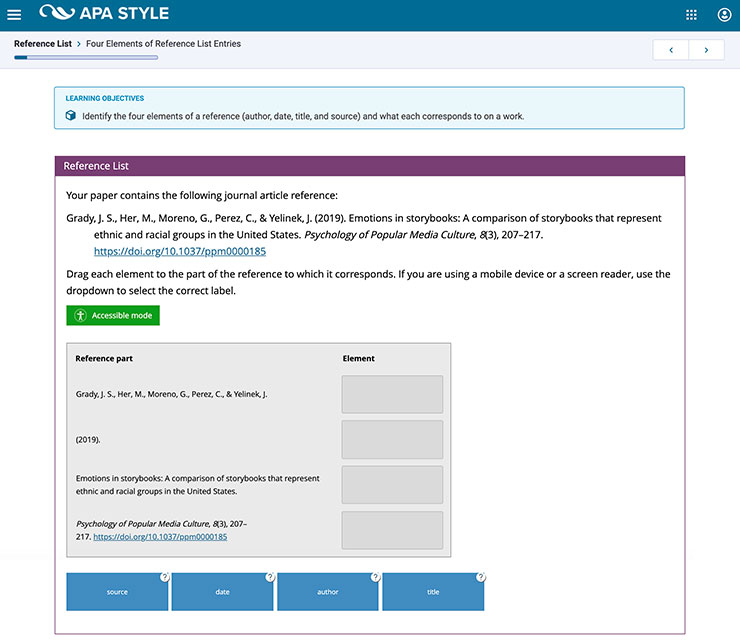
In this image hotspot question, users are presented with a real journal article title page and have to identify the authors of the article by selecting the numeral next to the author names.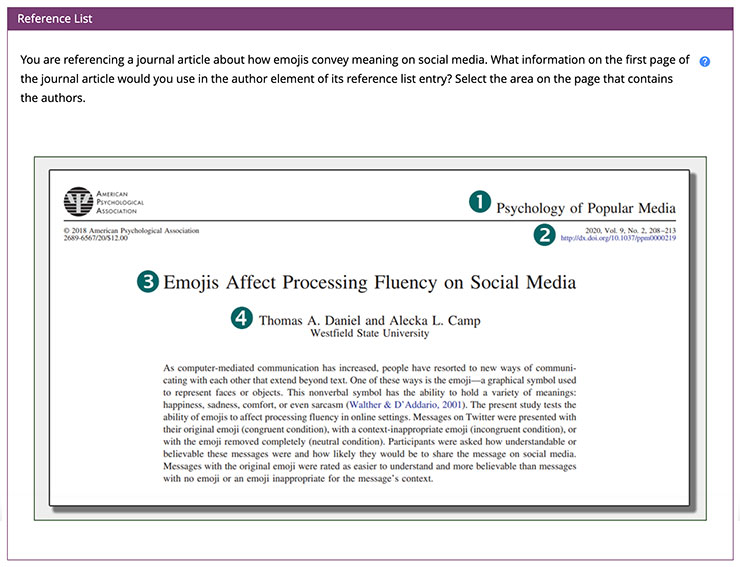
In this multiple-choice question, users view a sample figure and select the figure type from a list of possible options (map, bar graph, line graph, scatterplot).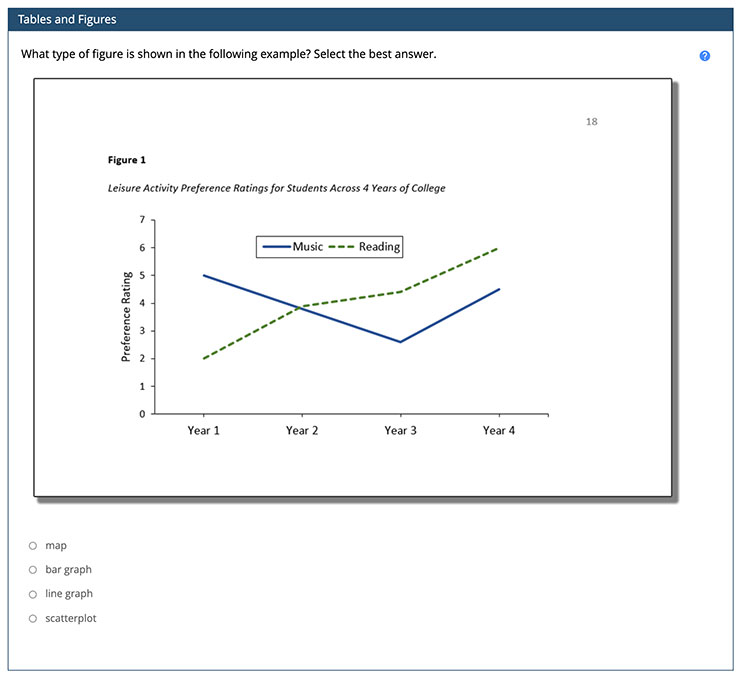
In this drag-and-drop image question, users label five components of a typical bar graph figure (figure number, title, image, legend, and note) by dragging the labels to the appropriate components of the figure.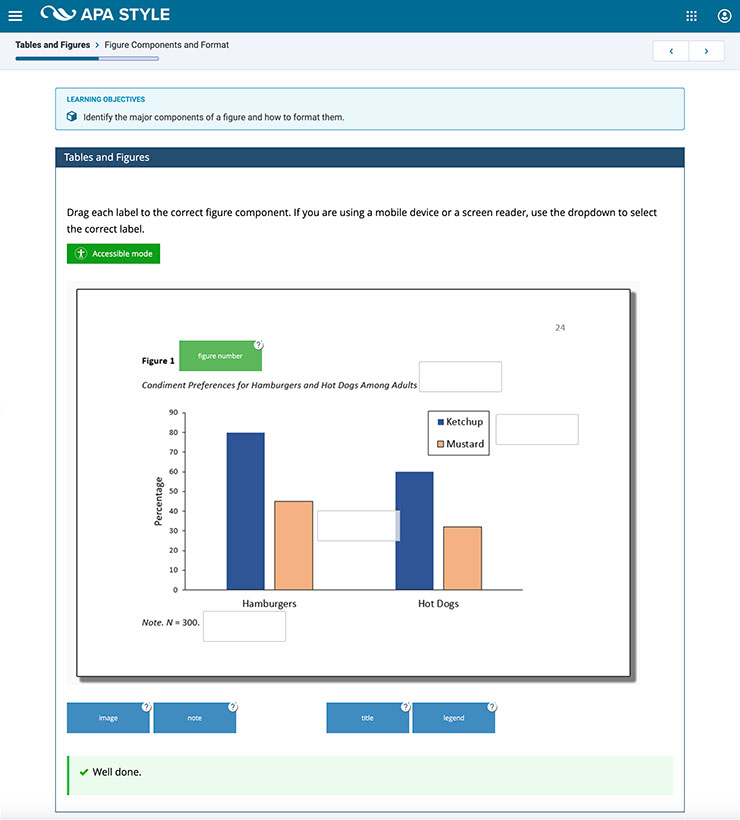
Date created: September 2021